
Create dynamic QR codes with real-time analytics. No credit card required.
Start for Free →Yes, and the more useful question is what it makes.
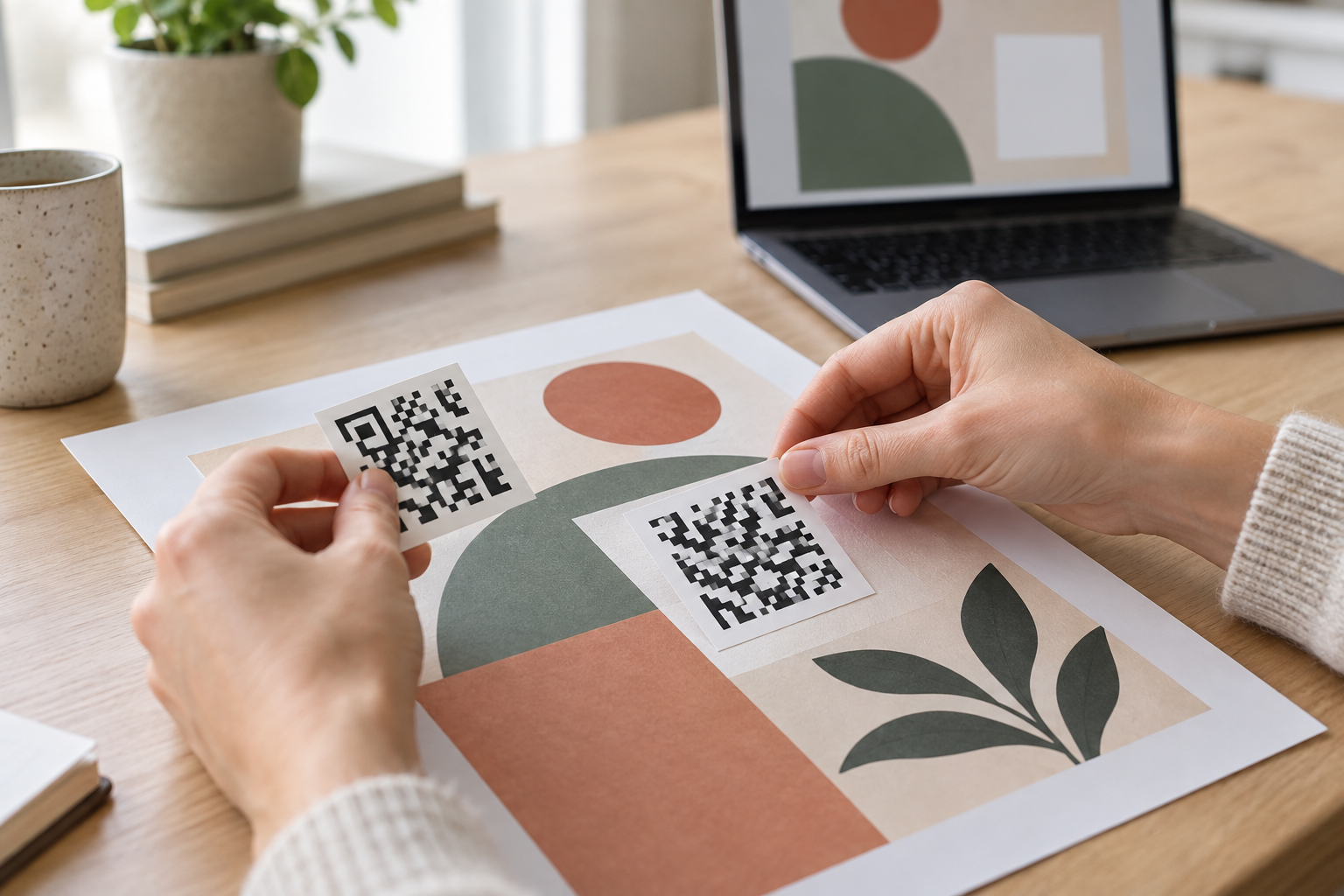
The editor includes a QR code app: you open it from the Apps panel inside a design, paste a web address, and the app draws a code onto the canvas as an ordinary element. From that point it behaves like any other object in the layout. You can resize it, recolor it, sit it inside a shape, and export it with the rest of the artwork in whatever format the print job needs. The editor makes this quick, and how to use canva qr code generator well comes down to four steps and one check before export.
So the answer to does canva have a qr code generator is a plain yes, with a boundary worth understanding before a flyer goes to a printer. The app is a drawing tool. It produces a symbol that encodes what you typed and does nothing after that.
The mechanics take about a minute.
Placement decides scan rate more reliably than anything about the code itself. A symbol in a bottom corner of a poster hung at eye level is at knee height for the person reading it, and a code on a flyer that will be folded in three has a fifty percent chance of landing on the crease.
Size follows from reading distance rather than from the space left over in the layout. A code on a leaflet held in the hand can be small; the same code on a poster read from across a room cannot, and scaling the artwork down for a smaller print size scales the code with it.
The line of text beside the code does more work than the code. A bare square asks the reader to gamble, while four words describing what happens when they scan removes the guess: see today's timetable, book a table, get the assembly video, check your warranty. Put that text next to the symbol rather than in a corner of the page, and write it as a result rather than an instruction, since nobody needs to be told to scan a QR code anymore.
Leave room for it in the layout at the start. Adding it after the design is finished is how it ends up as six-point type under the fold.
The step that saves money is the one after generation. A code that reads on a screen at 200 percent has not been tested; a code proofed on the paper it will be printed on has.
Contrast is the first habit. Phone cameras read a code by finding light and dark modules, so a pale code on a colored background, or a code laid over a photograph, is a code that works for some people and not others. Inverting the usual arrangement, with light modules on a dark field, is unreliable enough on older cameras that it is not worth the design win.
The second habit is the margin. The clear space around the symbol is part of the symbol, and a layout that crops it or crowds it with a headline can break a code that is otherwise perfect. The third is proportional scaling: dragging a corner handle keeps the grid square, while dragging an edge does not, and a stretched code is an unreadable code. The fourth is the proof itself, printed at final size on the final material, scanned by a phone that is a few years old rather than the newest one in the office.
None of that is specific to one editor, and all of it is easier to fix before the run than after.
That question has a short answer with long consequences. The app produces a static code, which means the address you typed is encoded directly into the module pattern in the export.
Nothing sits between the scan and the destination. There is no service to fail, no account to keep, and no subscription that can lapse and take the code with it, which is a genuine advantage that rarely gets stated. There is also no way to change where it goes. Editing the address in the design file produces a different pattern, and that pattern only exists in files printed after the edit.
Two mechanical consequences follow from encoding the address directly.
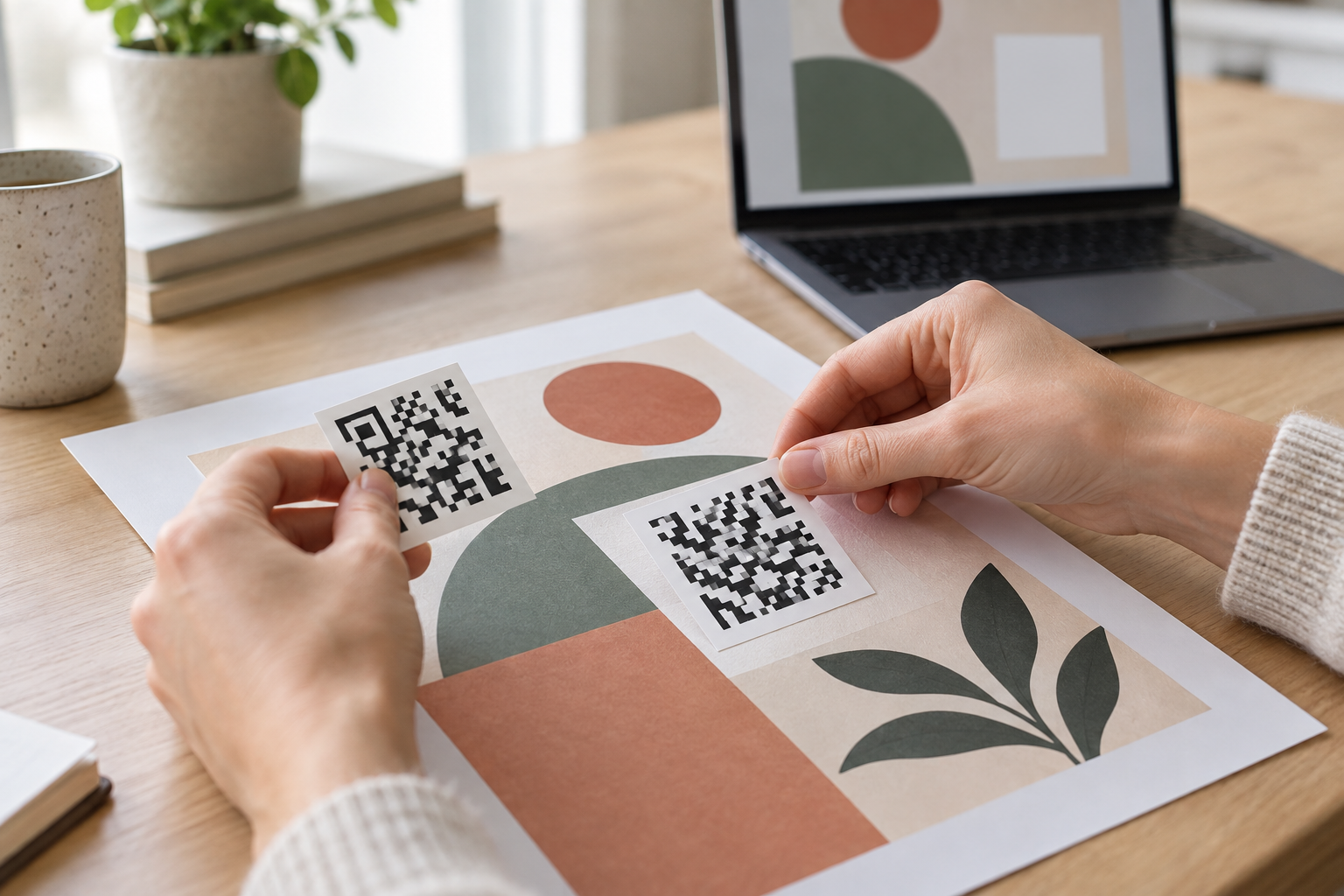
There is a straightforward way to keep the editor and lose the permanence problem, and it takes no extra tooling on the design side. Instead of pasting the final destination into the app, paste a redirect address from a service that lets you edit where it points.
The code drawn in the editor is still static, and it still encodes exactly what you typed. What changes is that what you typed is now a short address you control, so the destination behind it moves without the artwork moving. The design file goes to the printer once, and the reprint decision is separated from the marketing decision, which is usually the reason the two get entangled in the first place.
Set out plainly, the feature set is small and well-matched to the job it is doing. It encodes a web address, it draws the symbol on the canvas, it lets you set color and size, it saves inside the design, and it exports with everything else at whatever resolution the output requires. There is no limit worth planning around on how many codes you generate, because each one is just an element in a file.
What it does not do is the other half of the work, and knowing the list in advance is more useful than discovering it item by item.
The export settings matter more for a code than for the rest of a layout, because a code has no forgiving details. A photograph loses a little sharpness and still reads as a photograph; a symbol whose edges blur has modules a camera cannot separate.
Choose the print-ready PDF output rather than an image when the file is going to a commercial printer, since that keeps the edges crisp at the size the press actually uses. Where only an image will do, export at the largest available scale and place it at final size rather than enlarging it in another application. Avoid heavy compression on the way, because a code that passes through a chat app, a slide deck and an email attachment before reaching the printer has been re-encoded three times.
Keep the exported file and the design it came from together, named after the printed asset. The design is the only place the destination is recorded, and a year later that record is the difference between a small edit and a reconstruction.
For a poster with a single, permanent destination, the built-in app is the right tool and adding anything else is overhead. For anything printed in volume, distributed by a partner, or expected to outlive the campaign written beside it, the drawing tool and the management tool are two different jobs.
Keeping the design work in the editor and the destination under your own control is not a compromise between the two. It is what the second half of the job looks like when the first half is already solved.
A short test tells you which side of the line a particular job falls on. Ask how many copies will exist, how long they will exist for, and who will notice if the destination stops being correct. A hundred flyers for a class next month, pointing at a booking page that is not going anywhere, need nothing beyond the editor. Ten thousand cartons pointing at a page that a website migration will rename in eighteen months need a redirect in front of them, and the decision has to be made before the file is exported rather than after the pallets arrive.
The awkward cases sit in the middle, and they are more common than either extreme. A restaurant menu reprinted every season is cheap to change and fine as it is. A vehicle livery is not reprinted at all and should never encode a page address directly. Recruitment posters left in a college for a year, exhibition roll-ups reused across three events, product inserts printed with a twelve-month stock cover: each of these looks like a small job at design time and behaves like a long-lived asset afterward.
When in doubt, encode an address you can edit. It costs nothing at the design stage, and it is the only decision in this whole process that cannot be revisited later.
Everything else about the design remains exactly as it was. The app still draws the code, the layout still exports the same way, and the person doing the work still never leaves the editor. The only change is which address gets pasted into the box, which is why this is worth deciding as a habit rather than reconsidering for every job.
Ready to create your first QR code? Start free on ConnectQR - no credit card required.
Create dynamic QR codes with real-time analytics. No credit card required.
Start for Free →