
Create dynamic QR codes with real-time analytics. No credit card required.
Start for Free →Most support conversations about a physical product start with the product in someone's hands and the box still on the counter.
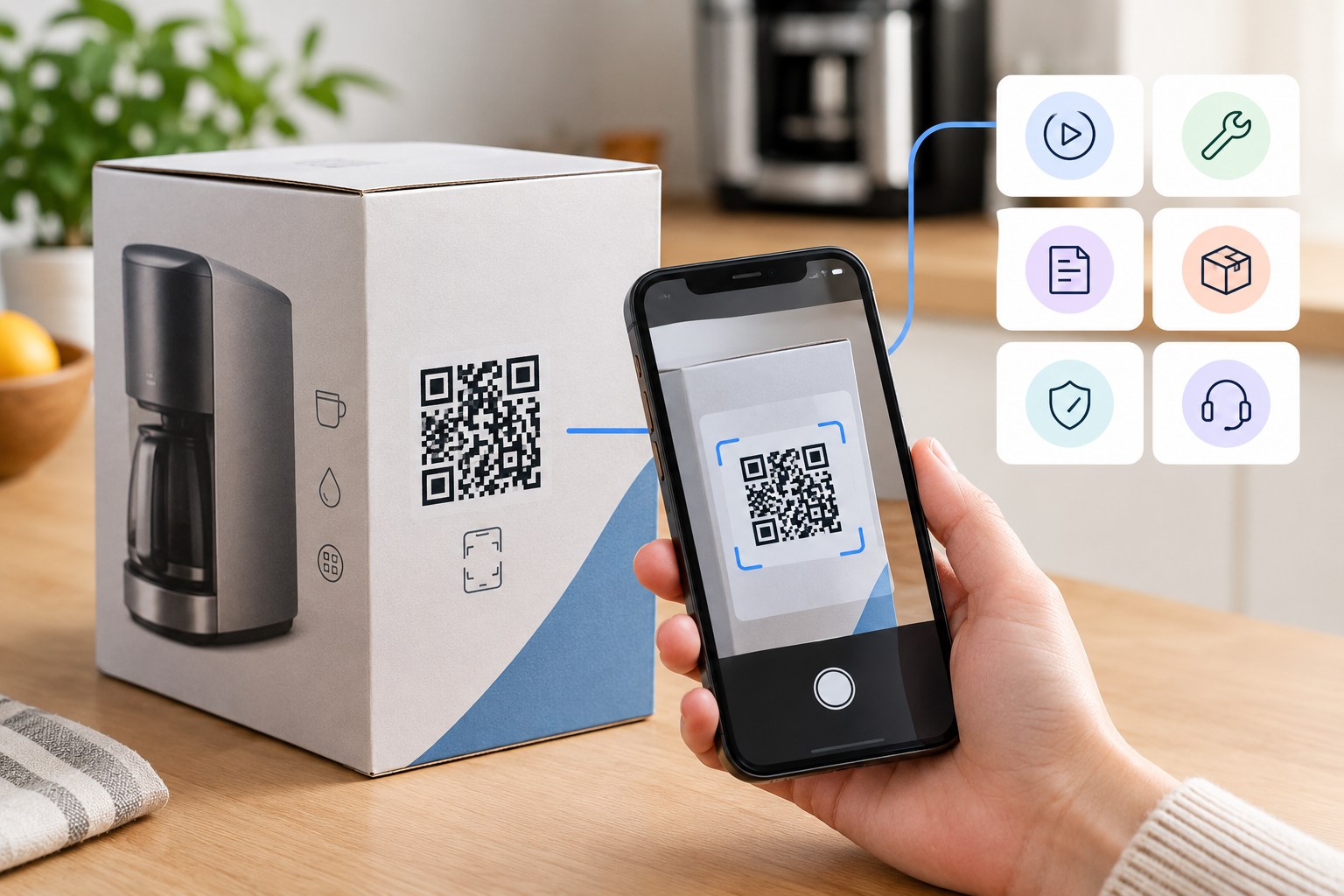
The manual is in a drawer, in another language, or in the recycling. The website has an answer, but finding it requires knowing the model number that is printed on a sticker underneath the appliance. In that gap between a problem and an answer sits a phone call that costs the business real money and costs the customer twenty minutes. A qr code on product packaging for customer support closes the gap by putting the route to the answer on the one object that is guaranteed to be present, which is a different job from qr code on product packaging marketing, where the same square is asked to start a relationship rather than end a problem.
The two jobs share a code, a print budget and usually a stakeholder meeting. They do not share a destination, and confusing them is why so many packs send a frustrated owner to a promotional video.
Support routing works when the destination reflects the moment of the scan rather than the stage of a campaign. The same printed symbol is scanned by someone deciding whether to buy, someone opening the box, and someone whose device stopped working eighteen months later, and those three people want nothing in common.
A menu page asking the customer to choose is the obvious solution and the weakest one, because it adds a decision to a moment that already contains a problem. Better routing uses what is knowable without asking: how long the product has been on sale, whether the scan came from a store network or a home one, what the phone's language is set to, and which batch the pack belongs to when the code carries it.
What deserves a destination is not a list of topics but a list of situations.
The commercial case for support routing is easier to make than teams expect, because the scan happens at a moment marketing cannot buy. Somebody has already paid, already opened the box, and is already engaged with the product; the same person is unreachable by any other channel at that exact moment.
The handoff worth designing is registration. A support page that solves the immediate problem and then offers to remember the product, its purchase date and its serial number gives the customer a faster route next time and gives the business a direct relationship it did not have. That is a fair trade, and it works because the help came first.
It fails in the obvious direction. A pack that sends a customer with a broken product to a campaign page converts a support cost into a complaint, and it also teaches that customer not to scan the code again, which removes the channel for everyone downstream.
One rule prevents most of that: the scan that follows a purchase belongs to support, and marketing is a guest on that page.
A code that carries the standardized product identifier rather than an arbitrary link changes what support can do with it. The identifier is already the thing the business uses to describe that product everywhere else, so the destination can be resolved against real product data rather than against a link somebody pasted during artwork approval.
Where batch or serial data is applied to the pack as well, the routing gets narrower in a way that matters for support specifically. Documentation revisions rarely align with product names: a manual is correct for units made before a component change and wrong for the ones after it. A code carrying that data lets the scan land on the revision that matches the unit in the customer's hand rather than the current one on the website.
The same precision is what makes a safety notice manageable.
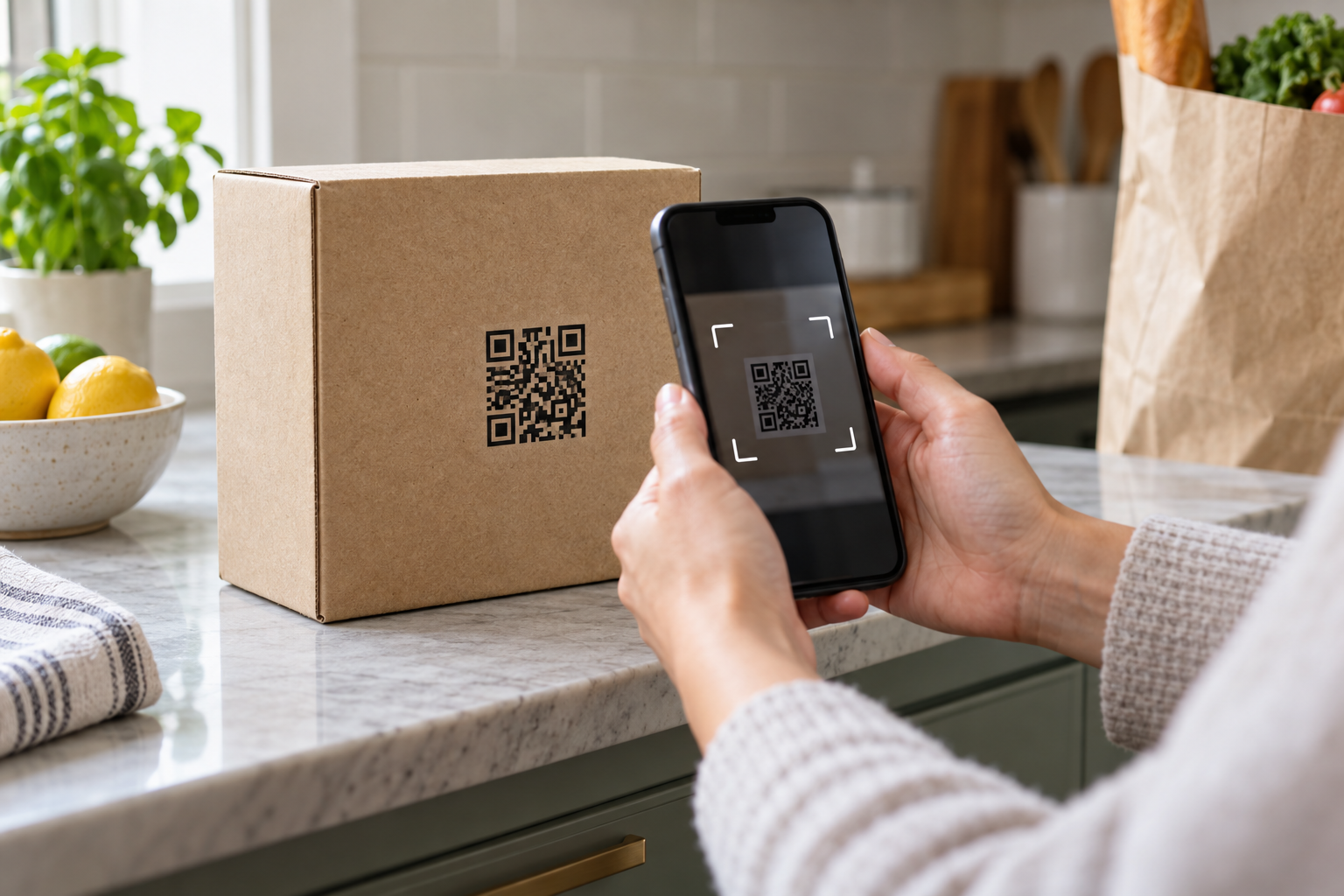
Everything above assumes the code can be read, and packaging is the hardest place to assume that. Shelf conditions, pack geometry and print process each remove some of the margin that a code printed on a flat white flyer takes for granted.
Position is the first constraint. A retail environment has to tolerate a pack turned to face the aisle, so a code on the base or under a shelf-edge label is a code nobody scans, and one placed across a fold or a seam distorts as the carton is assembled. Curved surfaces on bottles and tins bend the module grid away from the camera, which means the printed size has to grow or the code has to move to a flatter face or a label. Foil, metallic inks and gloss varnish reflect enough under retail lighting to defeat autofocus, and matte overprint in the code area is a standard remedy that costs almost nothing when specified early.
Space is the second constraint, and it is a negotiation rather than a design choice. Regulatory text, nutrition panels, recycling marks and language variants have first claim on a pack face, and the code competes with all of them for what is left. Deciding the code's size and position at the same time as those elements is far cheaper than discovering the conflict at proofing.
Run these checks on a physical proof, not on a screen.
The destination is where most support codes are lost, because it is usually built by the team that builds web pages for people sitting down. A support scan happens standing up, one-handed, often in a kitchen or a garage, sometimes with the product making a noise that started the whole thing.
Three properties matter more than design. The page has to load on a weak connection, which rules out heavy video autoplay and anything that waits on a consent dialogue before showing content. It must not require an account, because a customer who cannot open a jammed lid will not create a password to find out how. And it should open on the answer rather than on a navigation menu, since the scan has already told you which product this is.
Language deserves a specific decision rather than a default. A product sold across several markets is scanned by people whose phones already announce their language in the request, and using that to choose the version of the page is a small piece of work that removes a category of support contact entirely.
Keep it plain, keep it fast, and keep a route to a human at the bottom of it.
The last question is organizational, and it decides whether any of this holds up after launch. One printed code, two teams, and a destination that can be changed instantly across every pack in the market is a governance problem before it is a marketing one.
Name an owner for the destination, agree in writing what may point where, and keep a record of changes with dates. It is a modest amount of process for a control that reaches every unit already sold, and it is the difference between a code that keeps answering customers for the life of the product and one that quietly turns into whichever campaign was running last.
Set a review point as well, because packs outlive the people who approved them. Once a year, take a unit from stock, scan it as a customer would, and read what comes back to see whether it still matches the product in the box. Ranges get extended, components get changed, suppliers get replaced, and the documentation behind a code drifts away from the object in the customer's hands without anybody making a decision to let it. Twenty minutes with an actual pack finds that drift faster than any report.
Done properly, the arrangement is unglamorous and durable: one symbol on the pack, one owner for where it goes, one page that loads quickly and answers the question the customer actually has. The support queue gets shorter because the answer arrived before the call did, and the customer keeps a product working instead of putting it back in the box.
Ready to create your first QR code? Start free on ConnectQR - no credit card required.
Create dynamic QR codes with real-time analytics. No credit card required.
Start for Free →